
Product and Service Offerings
We enable innovation culture using our Strategy-Driven Innovation Execution methodology and help others learn about business innovation through our articles, blogs, videos, webinars, and tools. Select a service offering to learn more:
|
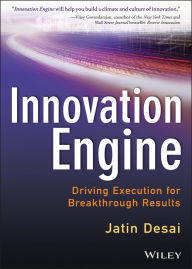
The Book Innovation Engine by Jatin Desai Discover how to become a world-class innovator with the guidelines, tools, and techniques found in Innovation Engine. "Innovation Engine will help you build a climate and culture of innovation. A must-read for every serious executive desiring innovation as a daily habit in his or her organization and to drive innovation execution." —Vijay Govindarajan, coauthor of the New York Times and Wall Street Journal bestseller Reverse Innovation |
Web Site Search
|
Buy Innovation Engine Today! |


"Innovation is highly pursued, desired and, oh so often, bemoaned as lacking in large organizations. In this impressive book Jatin has pulled together a comprehensive approach to innovation - in itself innovative - clearly laying out the path from ideation to implementation. He has considered virtually every aspect of the organization - from individuals, to teams, to approach - in this passionately argued text. Well done!"
Hari Mahadevan, Former Executive Officer, Rosetta
|